Small companies moving off Excel
Compare the hours your owner or accountant spends on monthly sheets with the Basic plan. If the saved hours are real, the subscription is part of the same budget.
An affordable HR and payroll system is one whose total monthly cost, including subscription, setup, reviewer hours and manual bank work, is lower than what your team spends now. Compare that total, not the monthly price alone. WatheeqaHR publishes a fixed price in AED: Basic is AED 99 per month for up to 25 employees and one company, and Growth is AED 199 per month for up to 100 employees and three companies, after a 30-day free trial.
Add the hours spent each month on attendance spreadsheets, leave balances, salary sheets, end-of-service estimates and payslips. Multiply by the hourly cost of the people doing that work, then add any penalties paid for late or incorrect salaries.
Basic is AED 99 per month for up to 25 employees and one company. Growth is AED 199 per month for up to 100 employees and three companies. Confirm which plan your headcount and number of companies need before you compare.
Estimate the time to import employees, a work calendar and one attendance file. Use the 30-day trial to measure this with your own data instead of guessing from a demo.
Some checks always stay with people: contract terms, end-of-service final settlements, and the bank or authority submission. Keep those hours in the comparison, because a cheap tool that leaves them undone is not affordable.
Compare the three-month totals for your current method and for each option. A lower price with more corrections and late salaries is usually the more expensive choice.
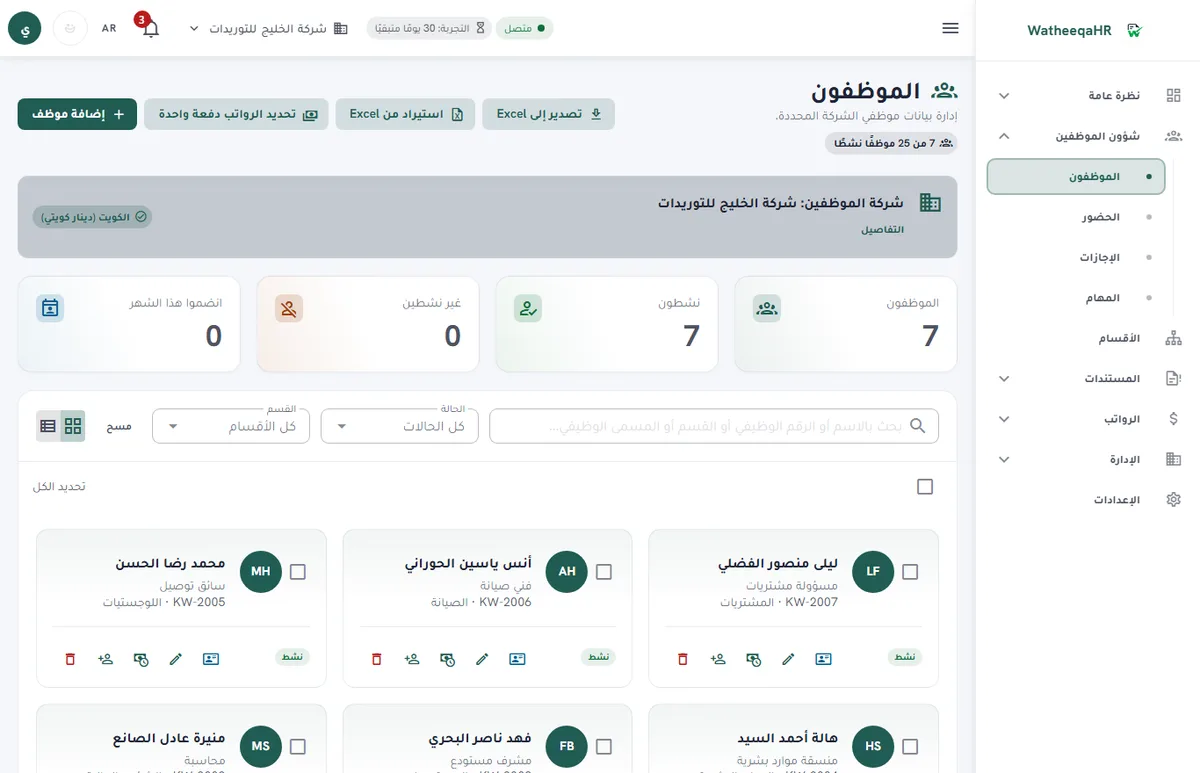
Upload the employee list as Excel or CSV, then check the column matching and warnings before you save.
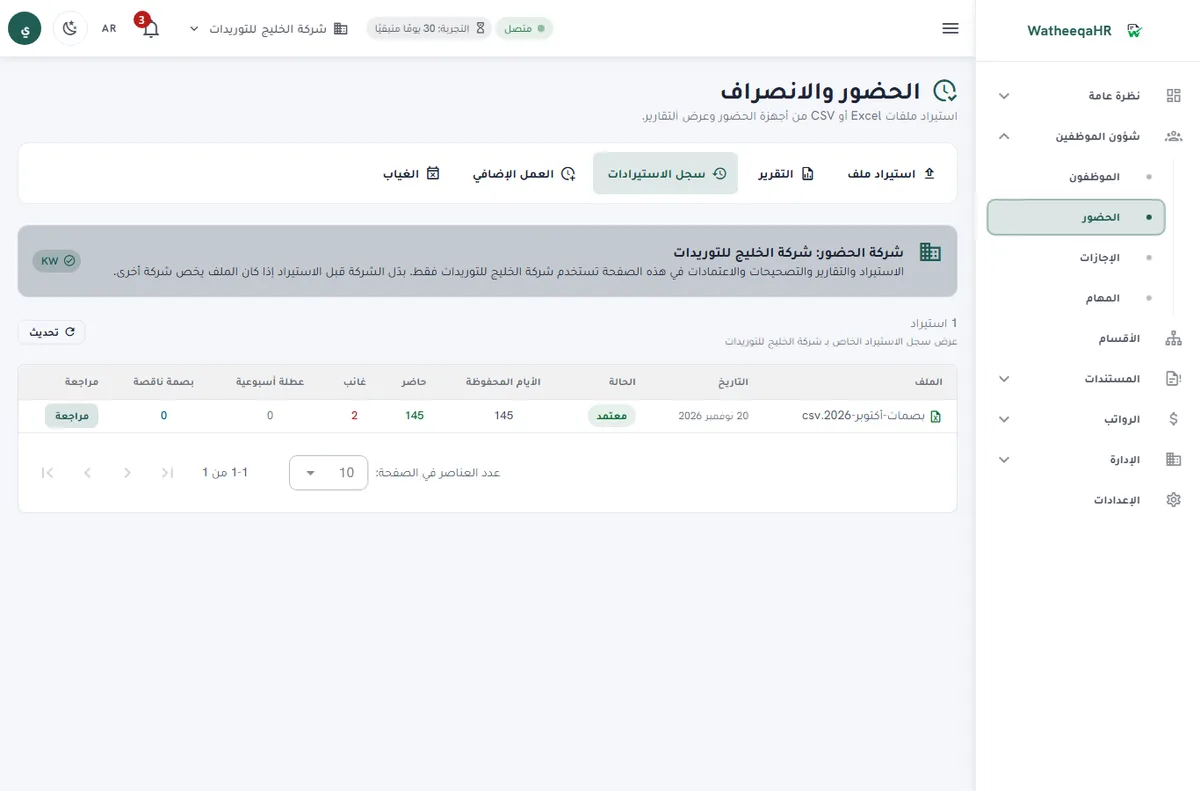
Check days present, late arrivals and absences for each employee, then approve the import before payroll lines are built.
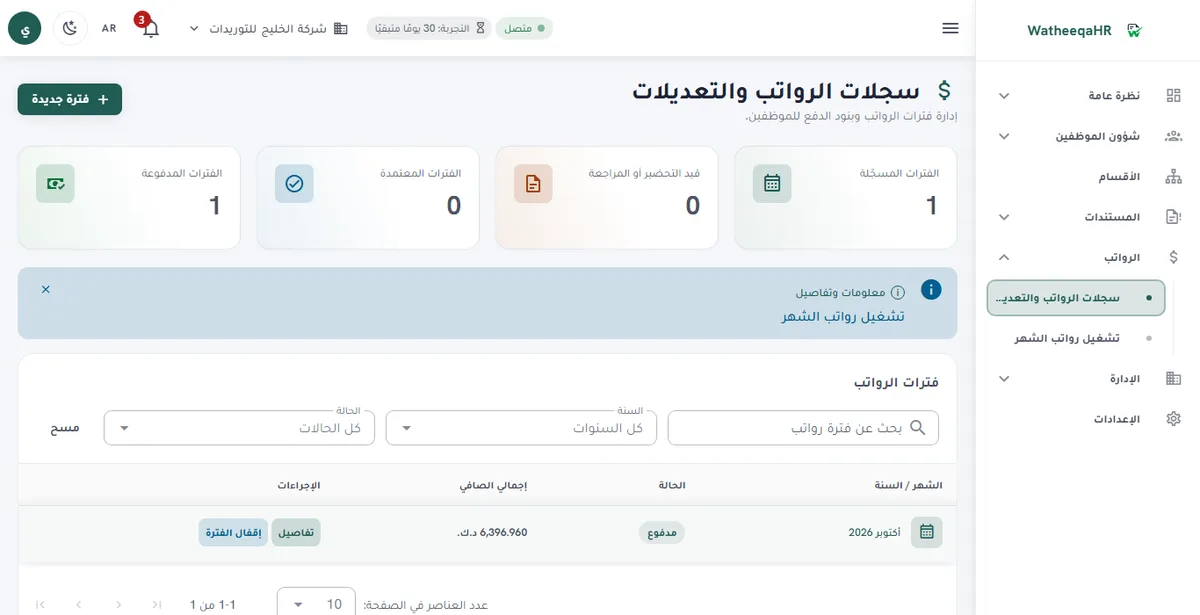
The system calculates basic pay, allowances, deductions and net pay for each employee. You can edit any line before approval.
GOSI shares for Saudi employees are calculated in one window, and items that need approval are shown before salaries are paid.
Each employee gets a payslip with attendance, earnings, deductions and net pay. Print it or save it as PDF.
Record each employee's payment. The period then shows as paid, and the payment log appears on the payslip.
Basic plan: AED 99 per month, flat, for one company and up to 25 employees. The modules in these steps are included in Basic.
| Feature | Description |
|---|---|
| Free setup: we set up your account and run your first payroll month with you | We do the setup ourselves: we build the account from your files and go through your first payroll run with you until it is paid. The setup is free. Start the free trial here. |
| Fixed, published subscription | The prices are on the pricing page and do not change with the number of hours your team uses. Basic is AED 99 per month for up to 25 employees and one company. Growth is AED 199 per month for up to 100 employees and three companies. |
| Free 30-day trial | Test with your own attendance export and one salary period before paying. The trial includes every module: projects, company expenses, air tickets, the HR assistant, employee files and device sync. |
| Cost breakdown: subscription | The subscription covers the company account, attendance, leave, salary records, payslips, documents and the employee self-service portal, in one fixed monthly price per plan. |
| Cost breakdown: review time | Budget time for the checks that stay with people: contracts, separation details, end-of-service figures and the approval of each salary period. The system shortens these checks, but it does not remove responsibility. |
| Cost breakdown: bank and authority work | The UAE WPS SIF file is generated for your own submission. The Saudi ANB-format file is prepared through a review workflow. For Qatar, Kuwait, Bahrain and Oman, the bank-file export is not available yet, so budget for the Excel or CSV export and the manual upload. |
| Free tools before you pay | The free attendance analyzer checks an Excel, CSV or TXT export without an account. The UAE, Saudi Arabia and Kuwait end-of-service calculators give estimates without signup. |
| Optional modules without a higher price tier | Projects, company expenses, air tickets and the HR assistant are available on the trial, Basic and Growth. Turn on only the modules your company uses. |
| Headcount and company limits | Basic covers up to 25 employees in one company. Growth covers up to 100 employees across three companies. If you run more entities, compare the number of companies first, then the headcount. |
| Currency and decimals | Salaries are shown in the company's own currency with the correct decimal places. The subscription price itself is shown in AED on every published plan. |
Compare the hours your owner or accountant spends on monthly sheets with the Basic plan. If the saved hours are real, the subscription is part of the same budget.
Compare Growth's three-company limit with the number of legal entities you run. Two separate Basic accounts can cost more and split your reporting.
Count the corrections you make each month. Fewer missing punches and fewer manual sheet edits lower the review time you pay for.
Yes. You can run the free attendance analyzer on an Excel or CSV file without creating an account. Then you can start the 30-day trial and try the employee import, payroll lines and payment steps yourself.
The subscription plus the hours your team still spends on attendance, salary review, bank files and corrections. Measure the current monthly total first, then compare each option against it over three months.
Basic is AED 99 per month for up to 25 employees and one company. Growth is AED 199 per month for up to 100 employees and three companies. The prices are published, fixed and shown in AED.
Yes, a 30-day free trial. It includes every module, so you can test your attendance export, a salary period and the employee portal before you pay.
No separate price is shown for these modules on the published plans. They are available on the 30-day trial, Basic and Growth, and you turn on the ones your company uses.
No. The UAE WPS SIF file is generated, and the Saudi ANB-format file is prepared through a review workflow. Qatar, Kuwait, Bahrain and Oman have no bank-file export yet, so plan for the Excel or CSV export there.
Everything pauses when the trial or subscription ends, and your data is kept. Check the terms for the exact steps before you decide.
Yes. The free attendance analyzer at /tools/attendance-analyzer accepts an Excel, CSV or TXT export and gives a lateness, absence and missing-punch report without an account.
Figures on this page are calculated from the laws and published rates cited. Confirm current rules with the authority itself:
Upload an Excel or CSV export and review the result free — no signup required.
Analyze attendance free Create free account