HR teams spending days on monthly attendance
Move the matching work into the import and exception list. Spend the time on the exceptions that really affect pay, not on finding every punch.
Automation in HR and payroll should remove repeated copying, calculation and reminders, and leave the decisions with people. Automate attendance imports, leave balances, document expiry alerts and payslip delivery, and keep salary approval, end-of-service settlements and bank submissions under human review. WatheeqaHR automates the record-keeping steps across six GCC countries, and the UAE WPS SIF file is generated for your own submission.
List each task from attendance import to payslip release, with who does it and how long it takes. Mark the steps that only copy or calculate data as automation candidates, and the steps that need a judgement as review points.
Import the device export once per period and let the system list missing punches, late arrivals and estimated absence. HR then works from an exception list, not from raw punches.
Set document expiry alerts for visas, licences and certificates so renewals are planned before they become a salary problem. Track leave requests in one approval flow instead of email threads.
A person approves each salary period, checks the contract and separation details, and signs off the end-of-service result. Automation prepares these figures; it does not approve them.
Confirm the file your bank accepts, who uploads it and when. The UAE WPS SIF file is generated for your own submission. For the Saudi ANB format, use the review workflow. Other GCC countries need the Excel or CSV export until a bank-file format is verified.
Upload the employee list as Excel or CSV, then check the column matching and warnings before you save.
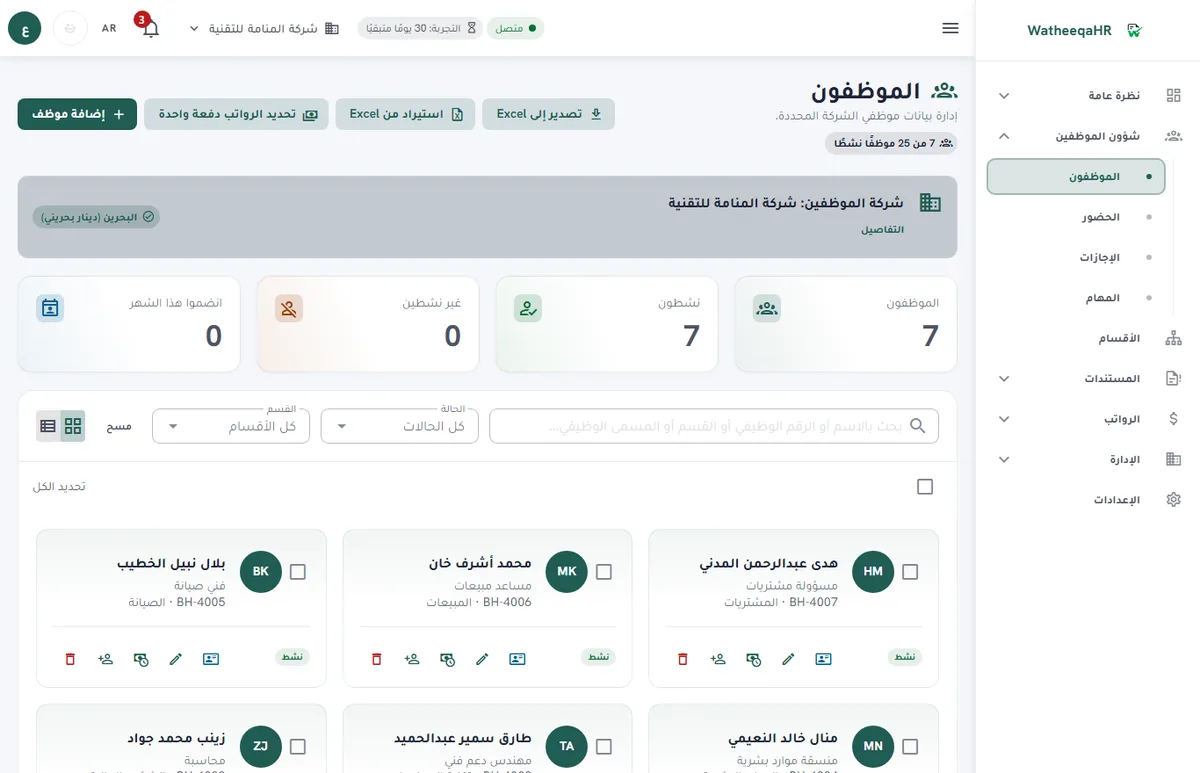
Check days present, late arrivals and absences for each employee, then approve the import before payroll lines are built.
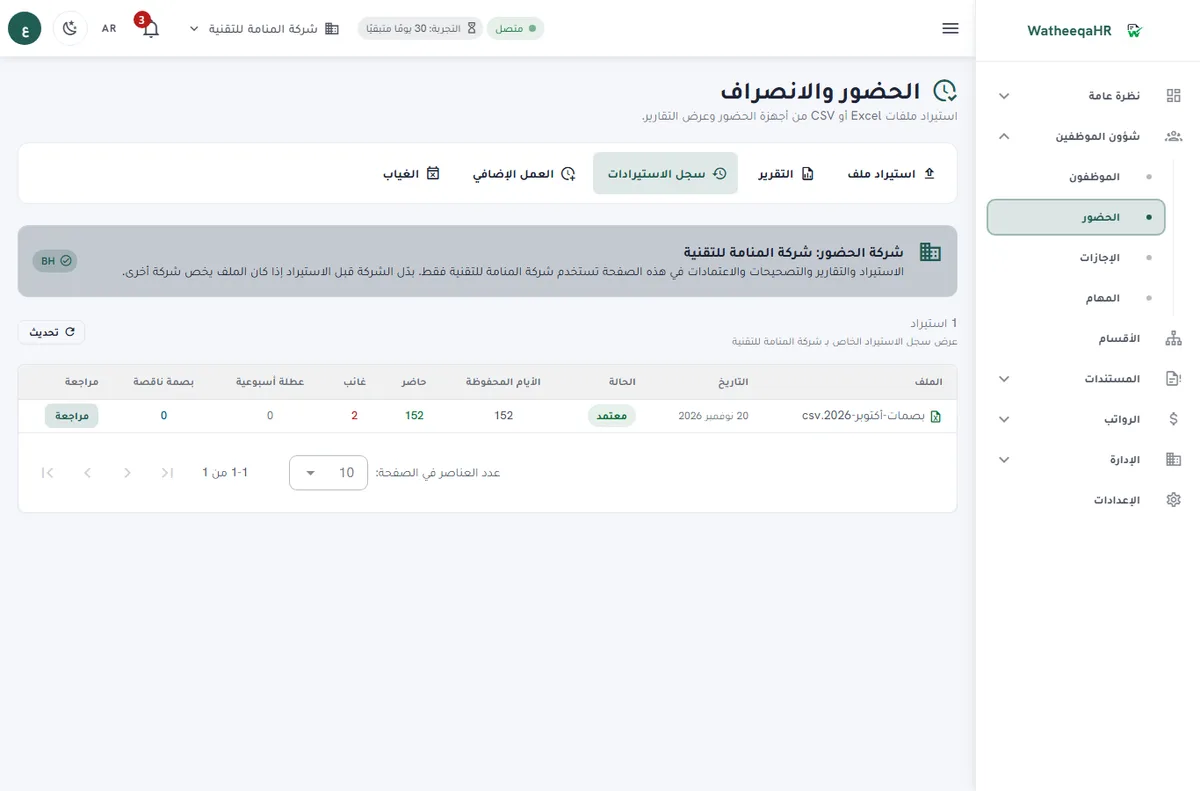
The system calculates basic pay, allowances, deductions and net pay for each employee. You can edit any line before approval.
GOSI shares for Saudi employees are calculated in one window, and items that need approval are shown before salaries are paid.
Each employee gets a payslip with attendance, earnings, deductions and net pay. Print it or save it as PDF.
Record each employee's payment. The period then shows as paid, and the payment log appears on the payslip.
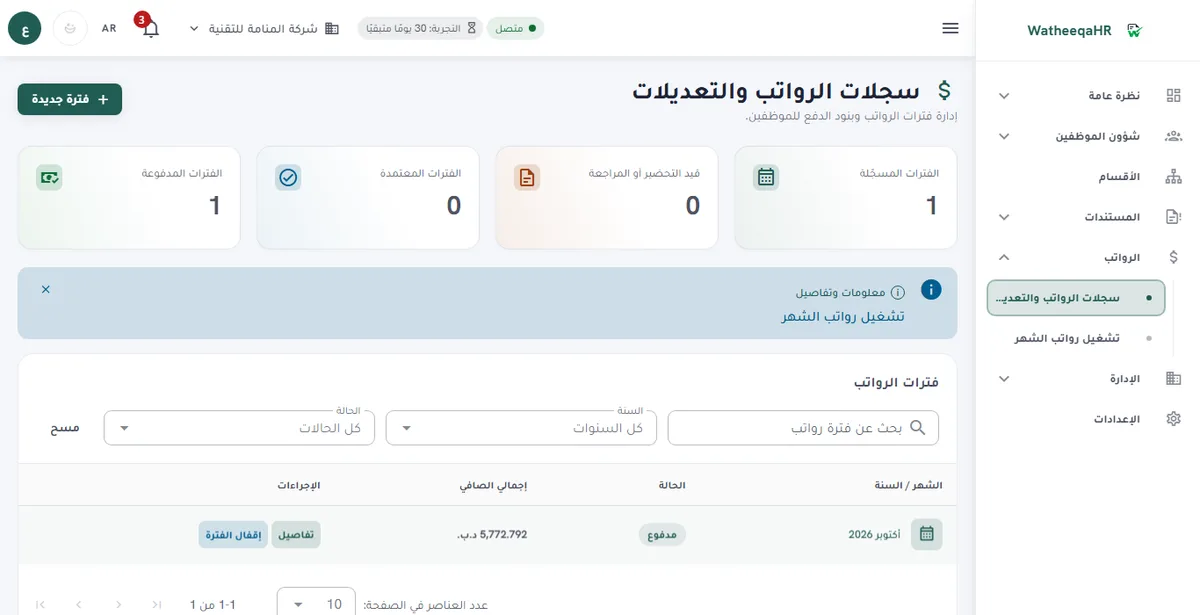
Automatic: reading the file's columns, calculating attendance and late arrivals, building payroll lines, calculating the GOSI share where it applies, and making each payslip available. HR approves: reviewing warnings, editing any line, approving, and recording payments.
| Feature | Description |
|---|---|
| Free setup: we set up your account and run your first payroll month with you | We do the setup ourselves: we build the account from your files and go through your first payroll run with you until it is paid. The setup is free. Start the free trial here. |
| Automate: attendance import and exceptions | Import the device export as Excel, CSV or TXT and let the system build the list of missing punches, late arrivals, no-punch workdays and estimated absence. This replaces hours of manual matching each month. |
| Automate: leave requests and balances | Employees submit leave requests in the portal, balances update after approval, and the approval history is kept. Country leave defaults can be set per company instead of in a shared spreadsheet. |
| Automate: payslips and self-service | Employees open their own attendance, leave requests and payslips in Arabic or English. HR stops answering the same request for a copy each month. |
| Automate: document expiry alerts | Track document expiry dates and renewal alerts for each employee. Enable employee file uploads on the trial, Basic or Growth to keep scanned, encrypted files beside the employee record. |
| Automate: salary calculations | The salary ledger calculates allowances, overtime, deductions, advances and net pay from the reviewed inputs. Overtime multipliers and divisors follow each country's rules where the product models them. |
| Automate: bank file for the UAE | The UAE WPS SIF file is generated from the reviewed salary ledger for your company to submit through its bank or provider. The Saudi ANB-format file is prepared through a review workflow. Qatar, Kuwait, Bahrain and Oman have no bank-file export yet. |
| Review: salary periods | Approve each salary period before payment. Review sick and maternity pay, overtime and advances yourself. Automation shows the lines; a person decides whether they are right. |
| Review: end-of-service and contributions | End-of-service and contribution figures are calculations, based on the country rules the product models, and must be checked against the employment contract, dates and separation details. The GOSI and PIFSS figures are estimates for review, not filings. |
| Review: attendance decisions | A missing punch is not proof of absence. Check leave, roster and the reason for each exception before you turn it into a salary decision. |
| Modules on every plan | Projects, company expenses, air tickets, the HR assistant, employee files and device sync are available on the 30-day trial, Basic and Growth. Everything pauses when the trial or subscription ends, and your data is kept. |
Move the matching work into the import and exception list. Spend the time on the exceptions that really affect pay, not on finding every punch.
Approve requests and salary periods in one place, with each approval recorded. Keep the bank submission as a deliberate step you control.
Check the calculated lines against the contract and the approved inputs. Your review is the control, so keep it visible in the approval record.
Yes. You can run the free attendance analyzer on an Excel or CSV file without creating an account. Then you can start the 30-day trial and try the employee import, payroll lines and payment steps yourself.
Attendance imports, exception lists, leave requests and balances, document expiry alerts, payslip delivery and salary calculations from reviewed inputs. It should not approve salaries or final settlements on your behalf.
Salary periods, sick and maternity pay, advances, end-of-service results, contribution figures and the bank or authority submission. Check each figure against the contract, dates and effective company policy.
It generates the UAE WPS SIF file for your own submission. The Saudi ANB-format file is prepared through a review workflow. Qatar, Kuwait, Bahrain and Oman have no bank-file export yet, so use the Excel or CSV export there.
No. The Saudi GOSI and Kuwait PIFSS figures are estimates for your accountant to compare with what is actually remitted. They are not filings.
It lists them as exceptions by employee and day. HR then checks leave, the roster and the reason before the day affects salary. A missing punch alone is not proof of absence.
Attendance, leave, salary records, payslips and the self-service portal are part of the product, and every module is available on the 30-day trial, Basic and Growth. Basic is AED 99 per month for up to 25 employees and one company.
Yes. The free attendance analyzer at /tools/attendance-analyzer checks an Excel, CSV or TXT export without an account, so you can see the exception list first.
Figures on this page are calculated from the laws and published rates cited. Confirm current rules with the authority itself:
Upload an Excel or CSV export and review the result free — no signup required.
Analyze attendance free Create free account